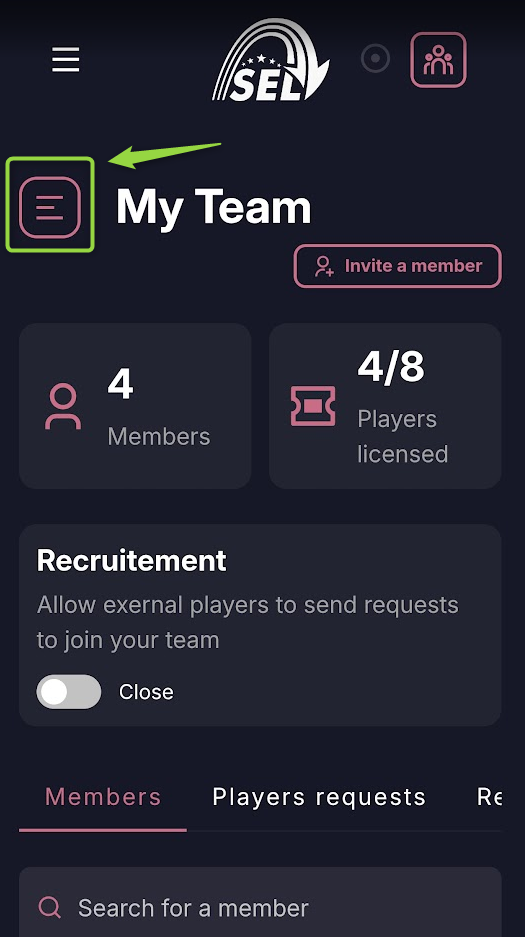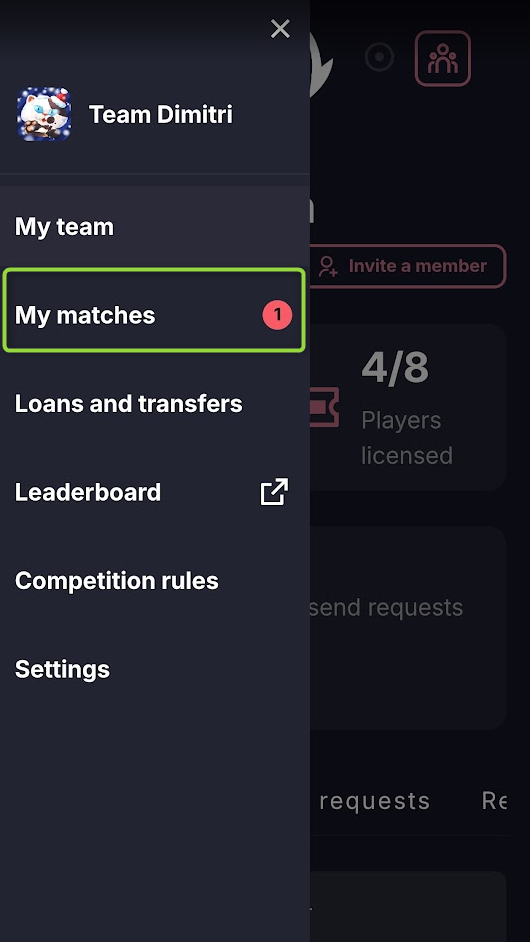
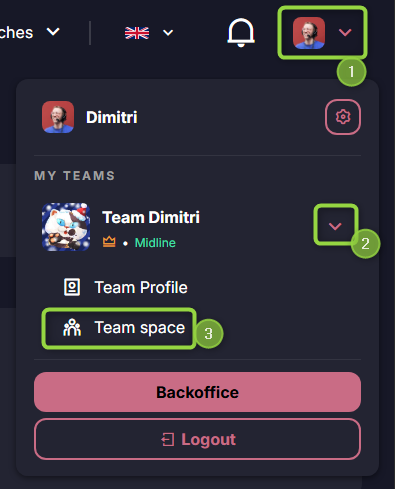
Go to the Team Space section then My matches.
In My Matches section, you will see all matches requiring your attention:
- Scheduling the match date
- Building or editing the lineup for the match
- Entering the match score
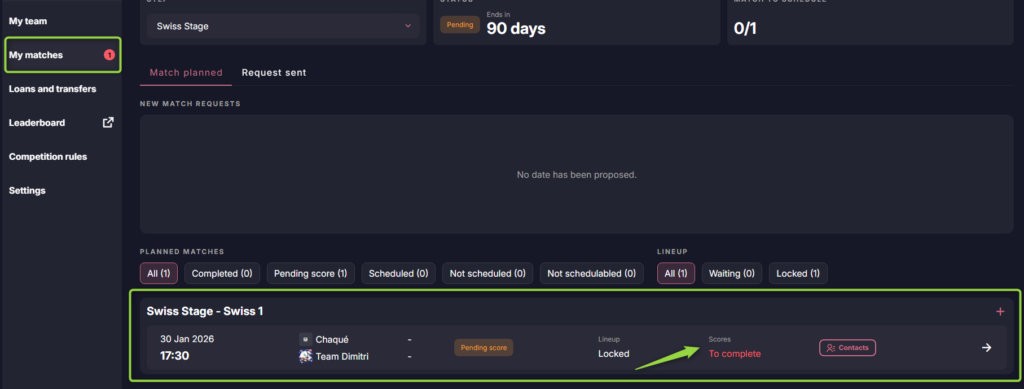
Starting 10 minutes after the scheduled match time has passed, you can click on the match to submit the results.
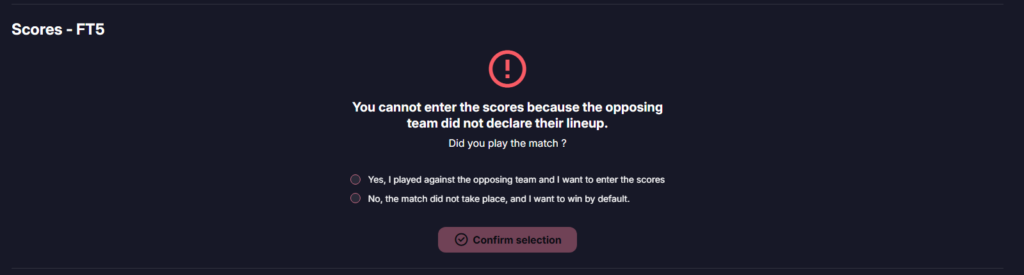
If you see this message indicating that the opposing team has not correctly entered their lineup, but you played the match anyway, please check Yes and Confirm selection.
Here are the actions to perform for each map
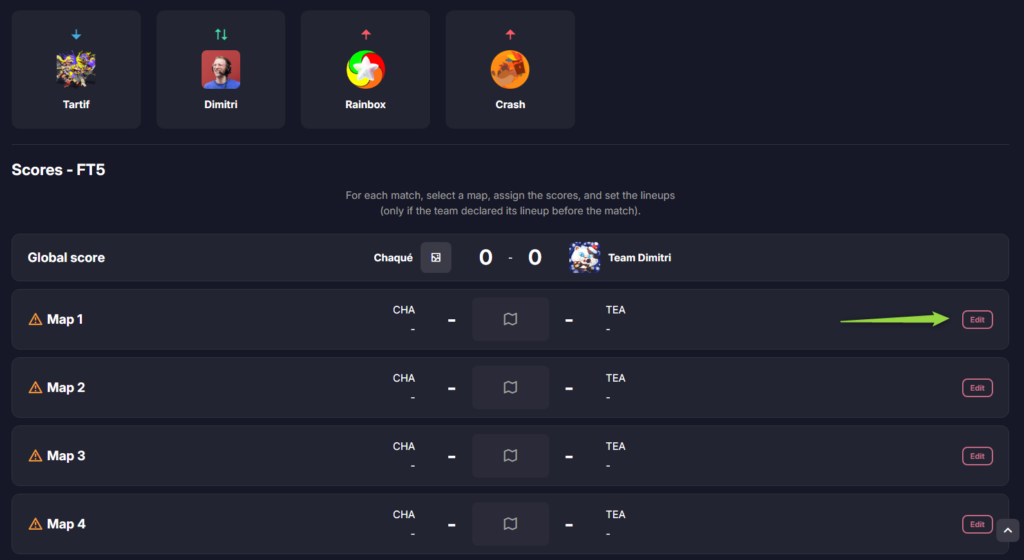
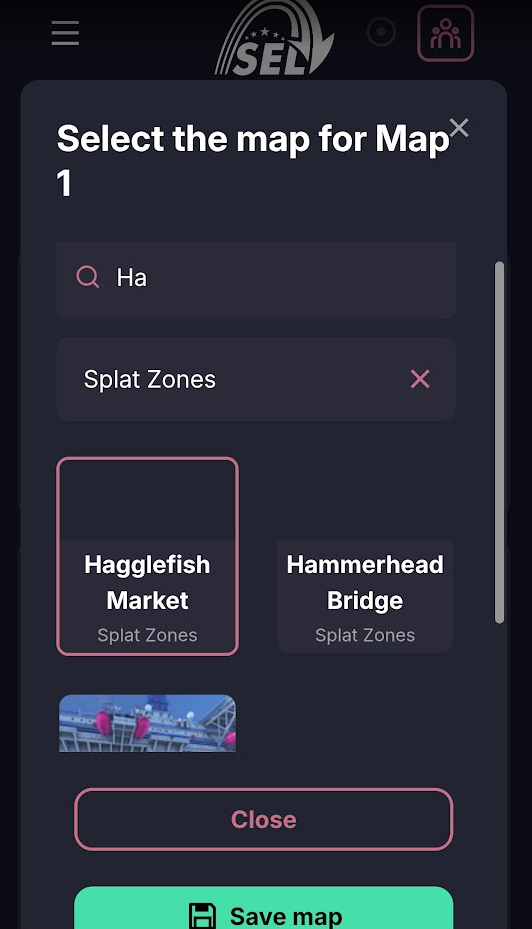
Select the map/mode played
Click on the map icon in the middle.

You can start by indicating the game mode for the round.

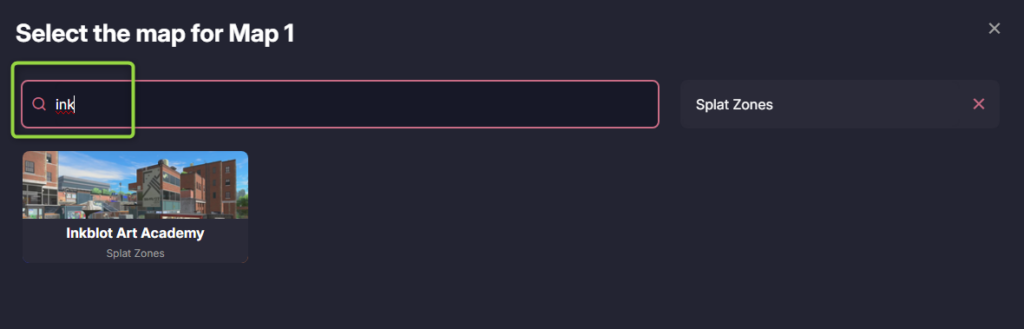
Next, you can select the stage from the list. You can see the stage images to help you, or simply type the first few letters of the map’s name to select it easily!
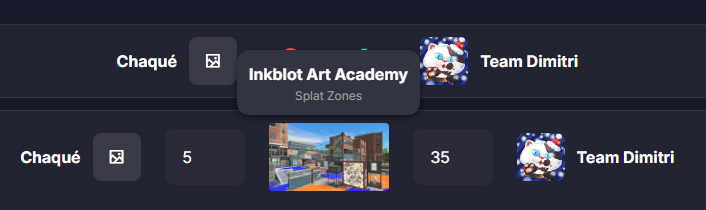
By hovering over the map in the center with your mouse on PC, a reminder of the name and mode will appear.
Enter the score
You can directly type the score for each round using your keyboard. This should reflect the actual in-game score of the round (For example, 100-0 in the event of a KO)

Select the players for the round
This step currently appears only if one of the two teams has declared its lineup before the match.
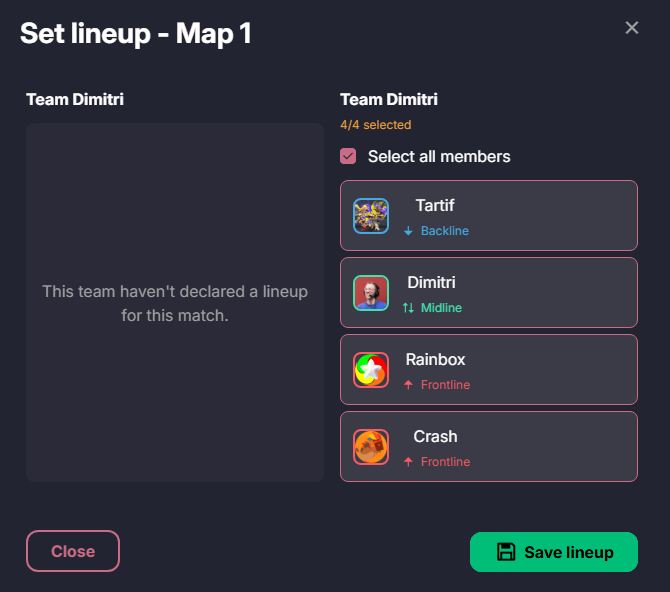
Click Add.

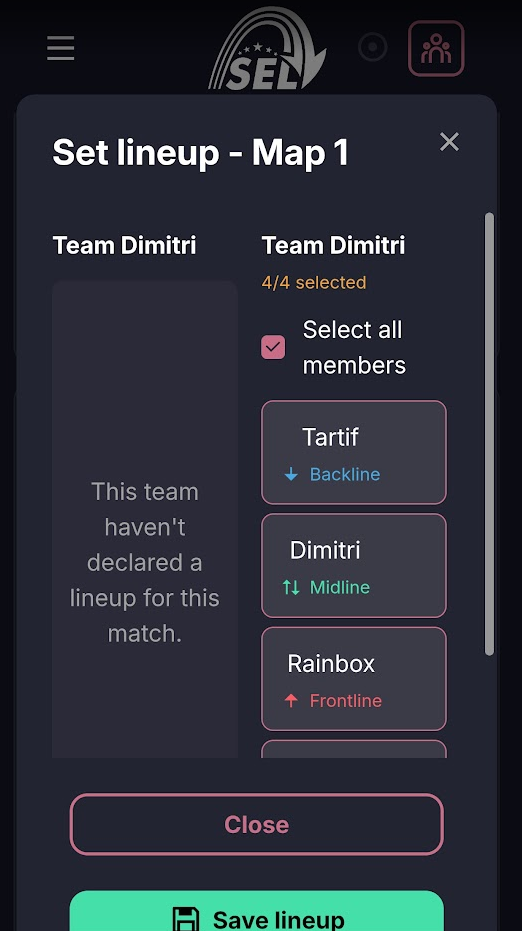
Click on the players who played the round. If there are only 4 of you in the lineup, you can check ‘Select all members’. Note that if both teams have correctly declared their lineup, the captain entering the score must add the lineups for both teams (this is not shown in the following example). Then “Save lineup”
An indicator above each round shows if any elements are missing. You can now edit next round/map
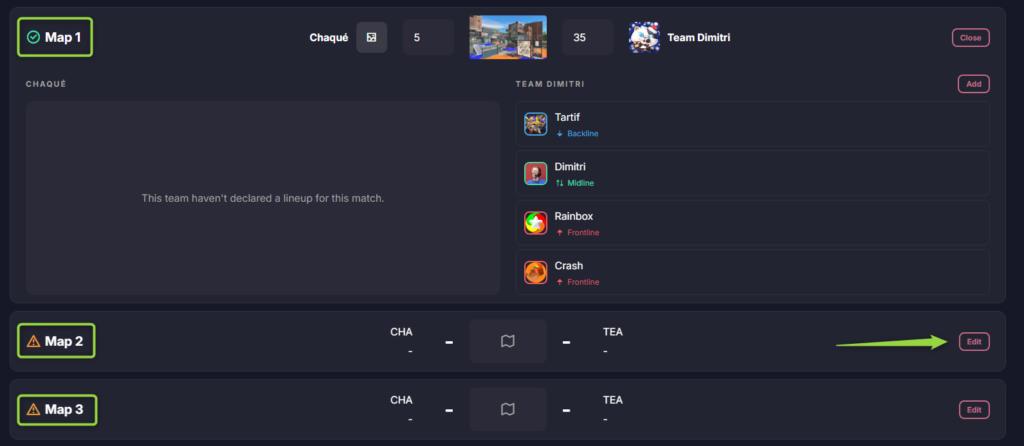
For the following rounds, you can directly copy the lineup from the previous round if the same players are still playing!

Once a team has won 3, 4, or 5 rounds (depending on your competition’s rules), you can validate the match at the bottom of the page.
All of these actions can be performed on a smartphone.